Drums3D VR for Meta Quest
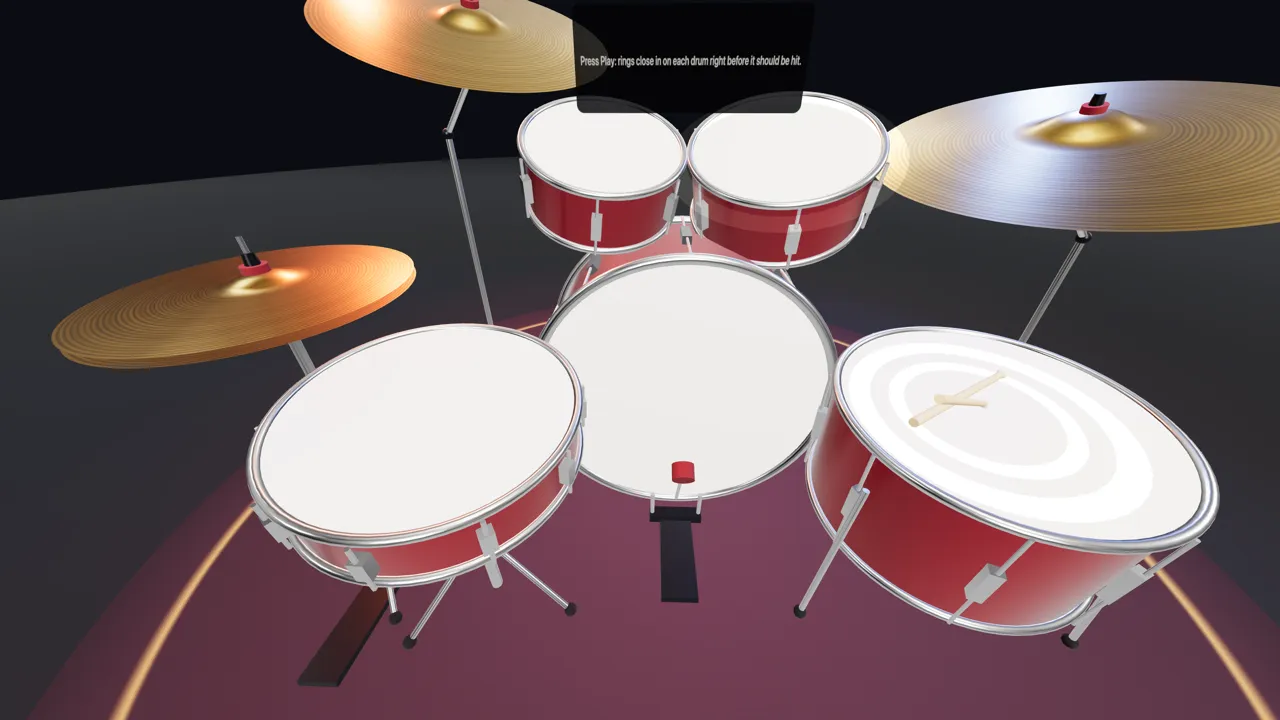
Sit behind a full drum kit and play it with the sticks in your controllers. The harder you hit, the louder it plays.
Get it on the Meta Horizon Store ↗
Free · Early Access · Quest 2, Quest Pro, Quest 3 and 3S · No account
Already wearing a Quest? Open drums3d.com in the Quest Browser and press the VR button on the kit.
What you can do
- Play along with grooves in the style of 150 songs, or let the groove play the kick while your hands play.
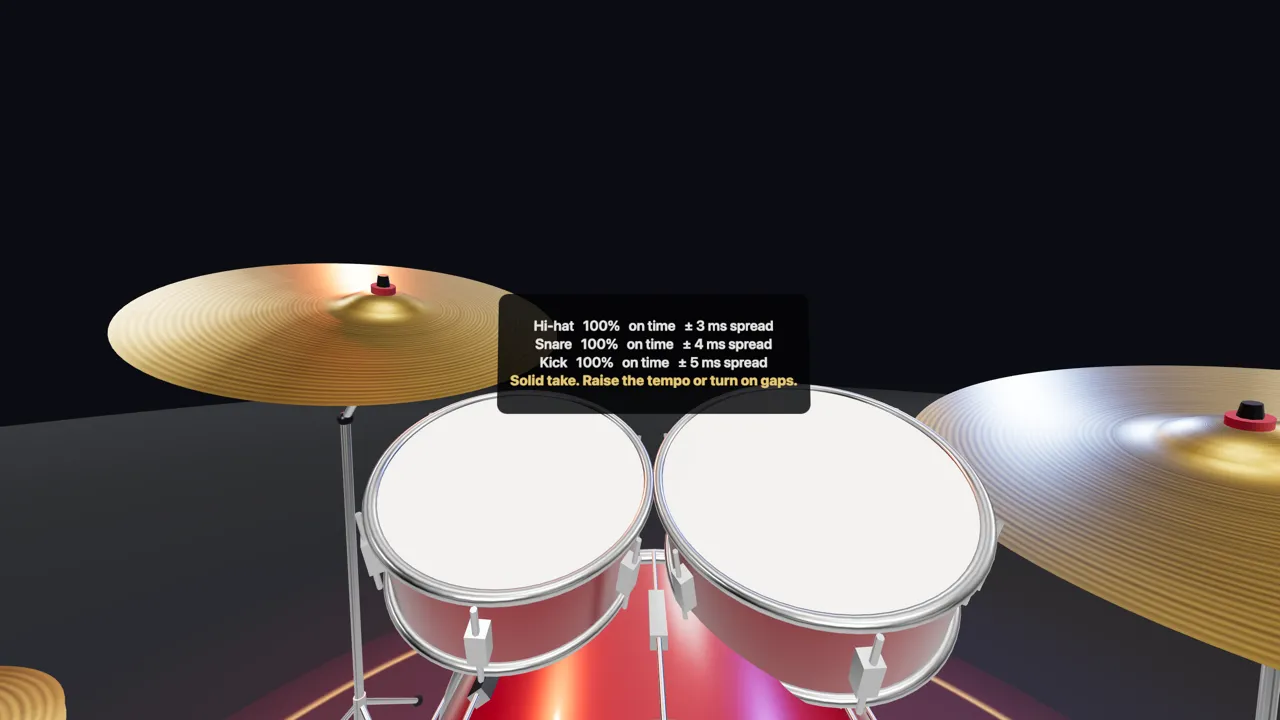
- Practice with rings that land on each drum just before the hit, then get a report per drum: early or late, in milliseconds.
- Follow the 7-day beginner plan from the Learn tab.
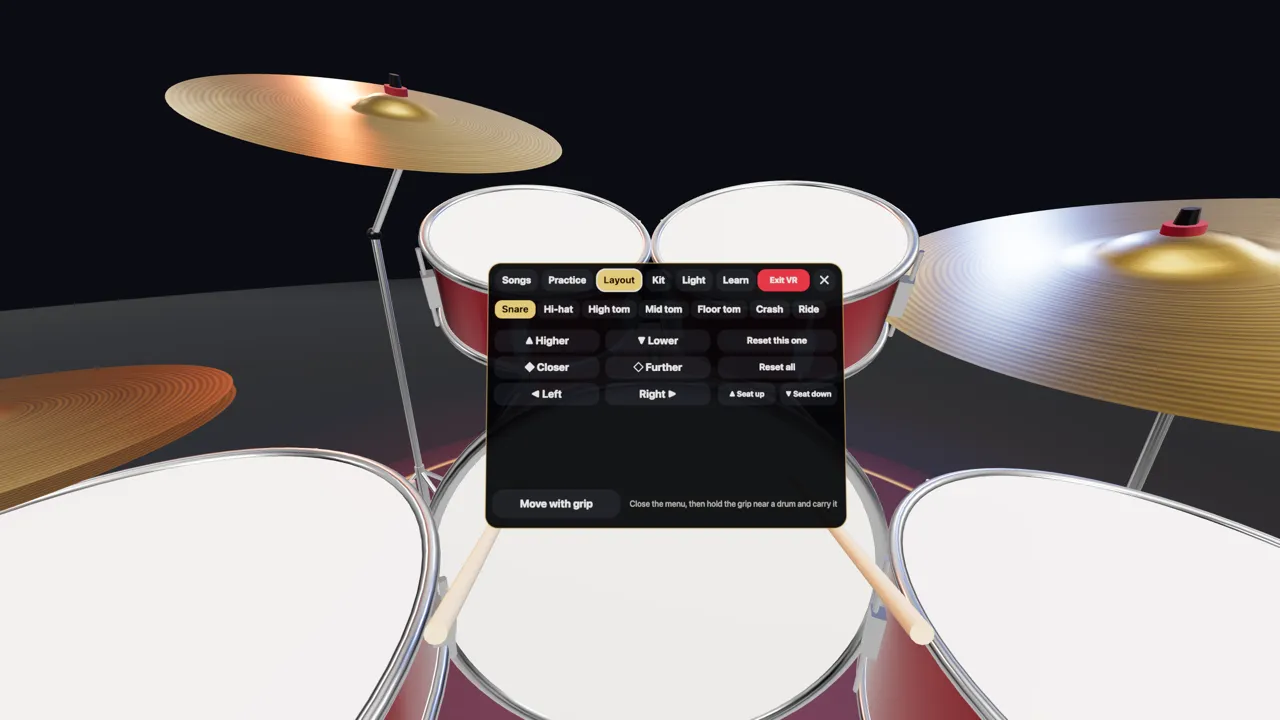
- Start from a ready setup (VR Comfort, Classic Rock, Jazz & Funk, Metal, Standing), then move, raise and tilt every drum and cymbal.
- Change the kit finish and the stage lights, or turn on the light show.
Controls
- On the first visit you pick two controller buttons: one for the kick pedal, one for the hi-hat pedal (hold it to open the hi-hat).
- B (or Y) opens the menu in front of you: move with the sticks, select with any other button.
- A (or X) lets the groove play the kick.
- Right stick: seat up or down. Left stick: closer or further.
- Press both sticks to choose the pedal buttons again.
- A Bluetooth page-turner foot pedal works too: Page Down or the down arrow plays the kick, Page Up the hi-hat.
iPhone and Android apps
Apps for iOS and Android are coming soon. Until then the drum machine works in your phone's browser, no install needed.